Collectors and sales
Contacts and categories
One card per person, with categories, invitations, interests and their history with you.
- 1
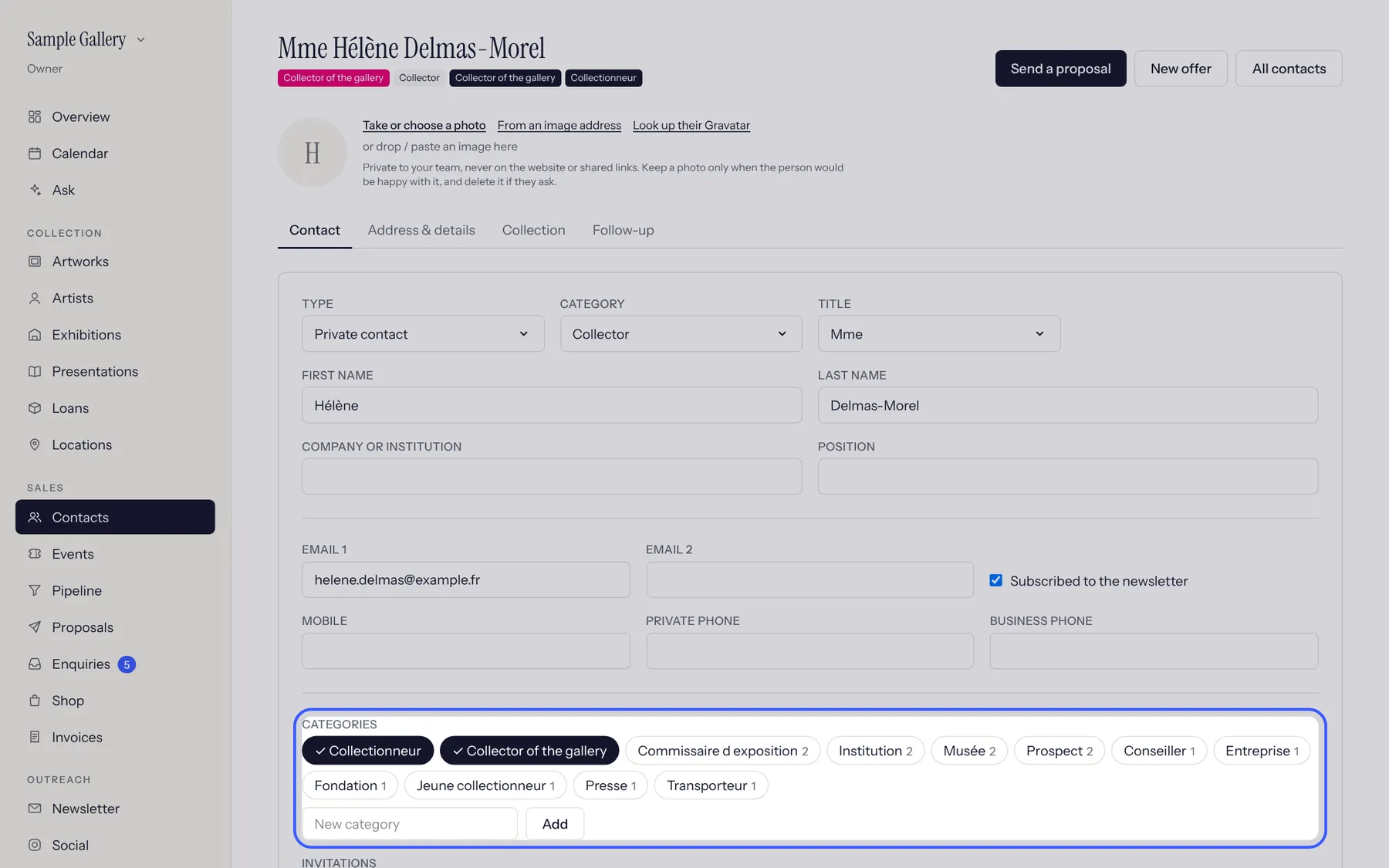
Open a contact. Categories are the chips: click to tick or untick (a person can have several), or add a new category. The most used ones show first.
- 2
Below: invitations (opening, preview, dinner, VIP), languages and the artists they follow. Everything saves as you go.
- 3
On the Contacts list, filter by category, artist or invitation to build a guest list or a mailing.
See also
A question that isn't here? Write to us.