Collection
Exhibitions, fairs and private views
Build the selection once, then print the price list, share a private view and plan the opening.
- 1
Exhibitions, then New. Choose the kind (exhibition, fair, loan...), the dates and the artists, then add works by typing a title, artist or stock number.
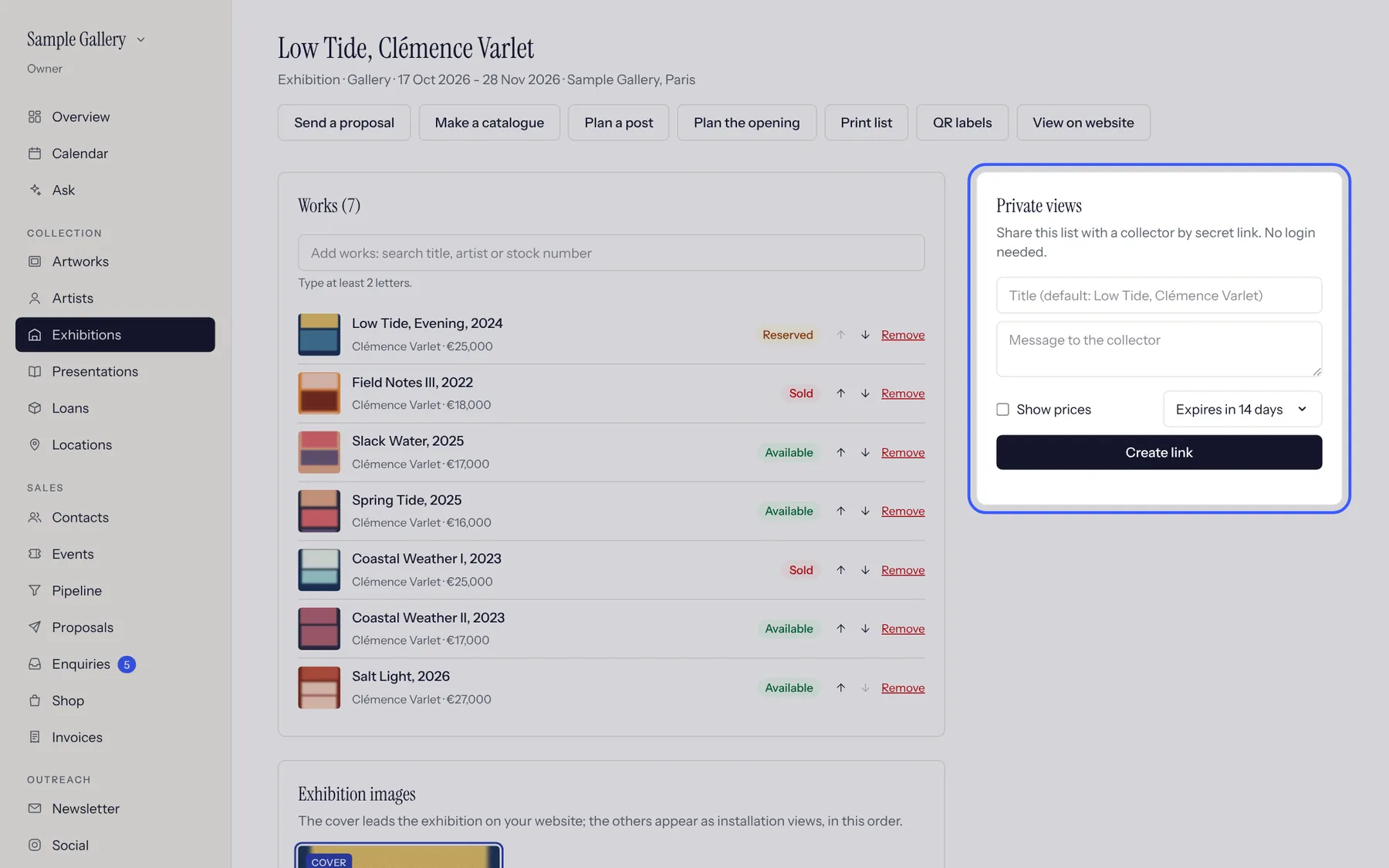
An exhibition: its works with their status, and buttons for a proposal, a catalogue, a post, the opening and the price list. - 2
Private views (on the right) give a secret link to send a collector, with or without prices, that expires when you choose.
- 3
Add a cover and installation views under Exhibition images, and tick "Show on the public website" to publish it.
See also
A question that isn't here? Write to us.