Openings, newsletters and social
Plan and publish on Instagram
Posts made from your works and shows, captions in French and English, published to your Instagram at the time you choose.
- 1
Once: connect the gallery's Instagram in Settings, Instagram, Connect. It must be a professional account (Business or Creator). You sign in on Instagram itself; Bowerbird House never sees the password. Only an owner or director can connect it.
- 2
Social, New post, or Plan a post on a work or exhibition: the images and details come in, and a caption is drafted in both languages. Choose a single image, a carousel or a story.
- 3
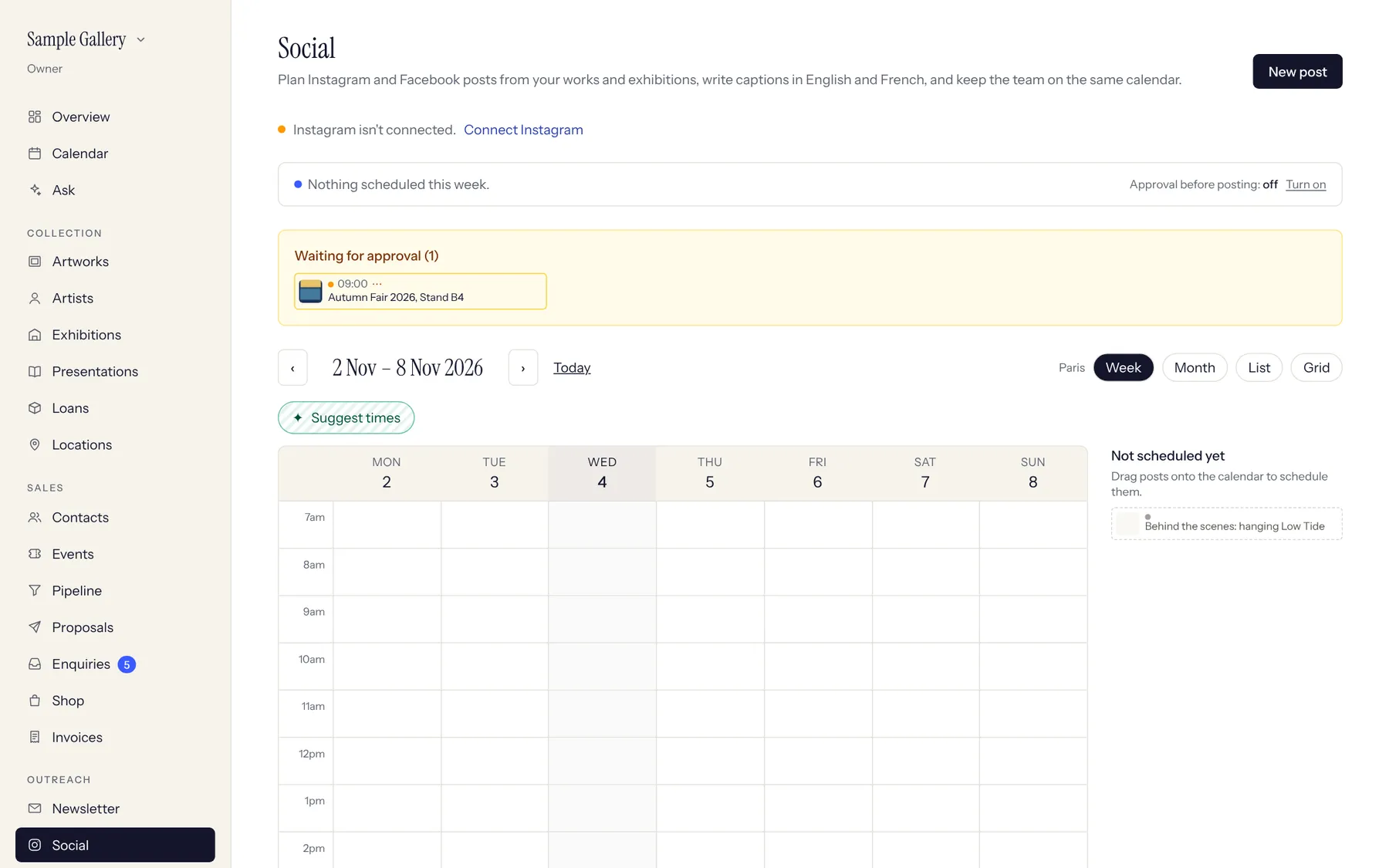
Pick a date and time, or drag the post onto the calendar. The suggested times come from when your own followers are most active. If approval is on, a director approves before anything goes out.
- 4
At that time the post publishes itself and the link to it appears on the post. Need it now? Use Publish now.
See also
A question that isn't here? Write to us.