Openings, newsletters and social
Send a newsletter
Write with your own works and exhibitions, send at the best time, and see who opened.
- 1
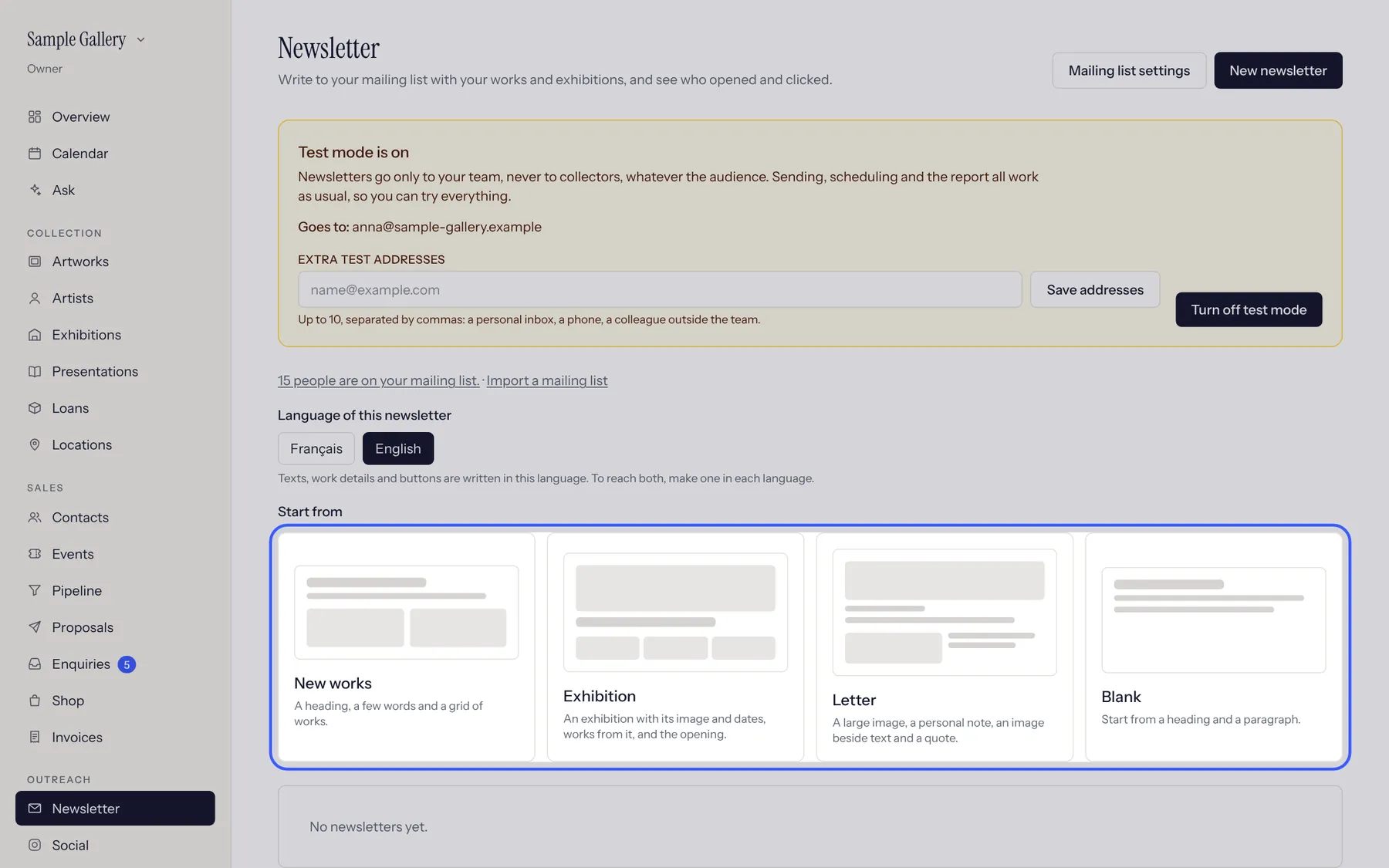
Newsletter, choose the language and a starting layout (new works, an exhibition, a letter or blank).
- 2
Add blocks: text, images, works from your inventory, an exhibition. Choose who receives it (everyone, a category, collectors of an artist).
- 3
Test mode sends only to your team until you turn it off. Schedule it, then read the report: who opened and clicked shows on each contact.
See also
A question that isn't here? Write to us.