Invoices, payments and the shop
Invoice settings, numbering and design
Your legal details, VAT, numbering that carries on from your old software, and how invoices look.
- 1
Settings, Invoicing: fill in your company details, bank, default VAT rate (5.5% works) and commission. Tick "Artwork prices include VAT" if your listed prices are what the collector pays.
- 2
To carry on your old numbers, choose Plain number, clear the prefix and enter the next number (for example 11710).
- 3
Invoice design: Classic (a table) or Gallery letter (a large picture of each work and its label, addressed to the buyer). Choose serif or sans serif type, a title colour and a closing line, save, then click Preview.
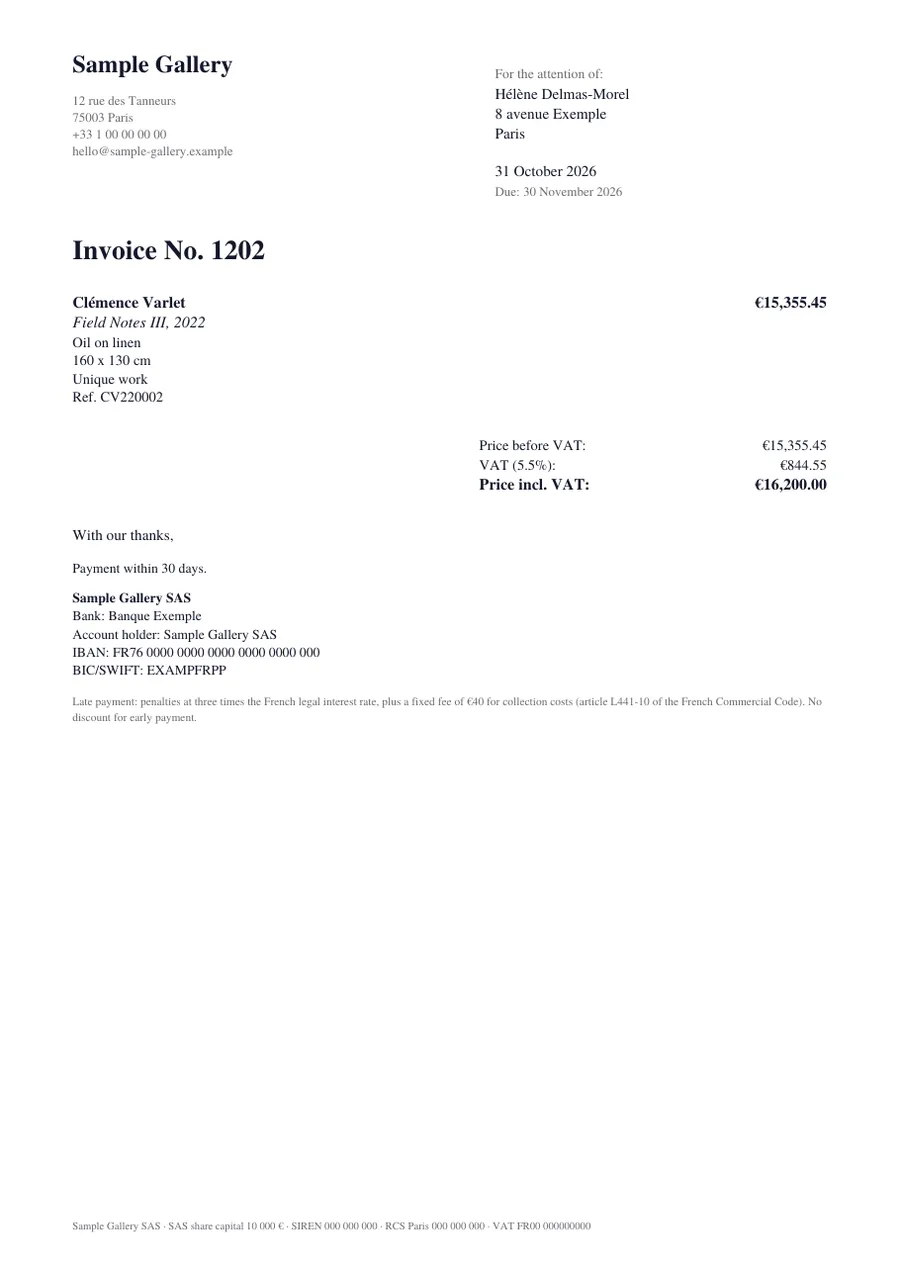
The Gallery letter design.
See also
A question that isn't here? Write to us.