Invoices, payments and the shop
Make an invoice
From a sale, a proposal or a contact: the works and prices come in, you check and issue.
- 1
Invoices, New invoice (or Invoice from an offer). Pick the buyer and add works: the price comes from the work and can be changed, before or including VAT.
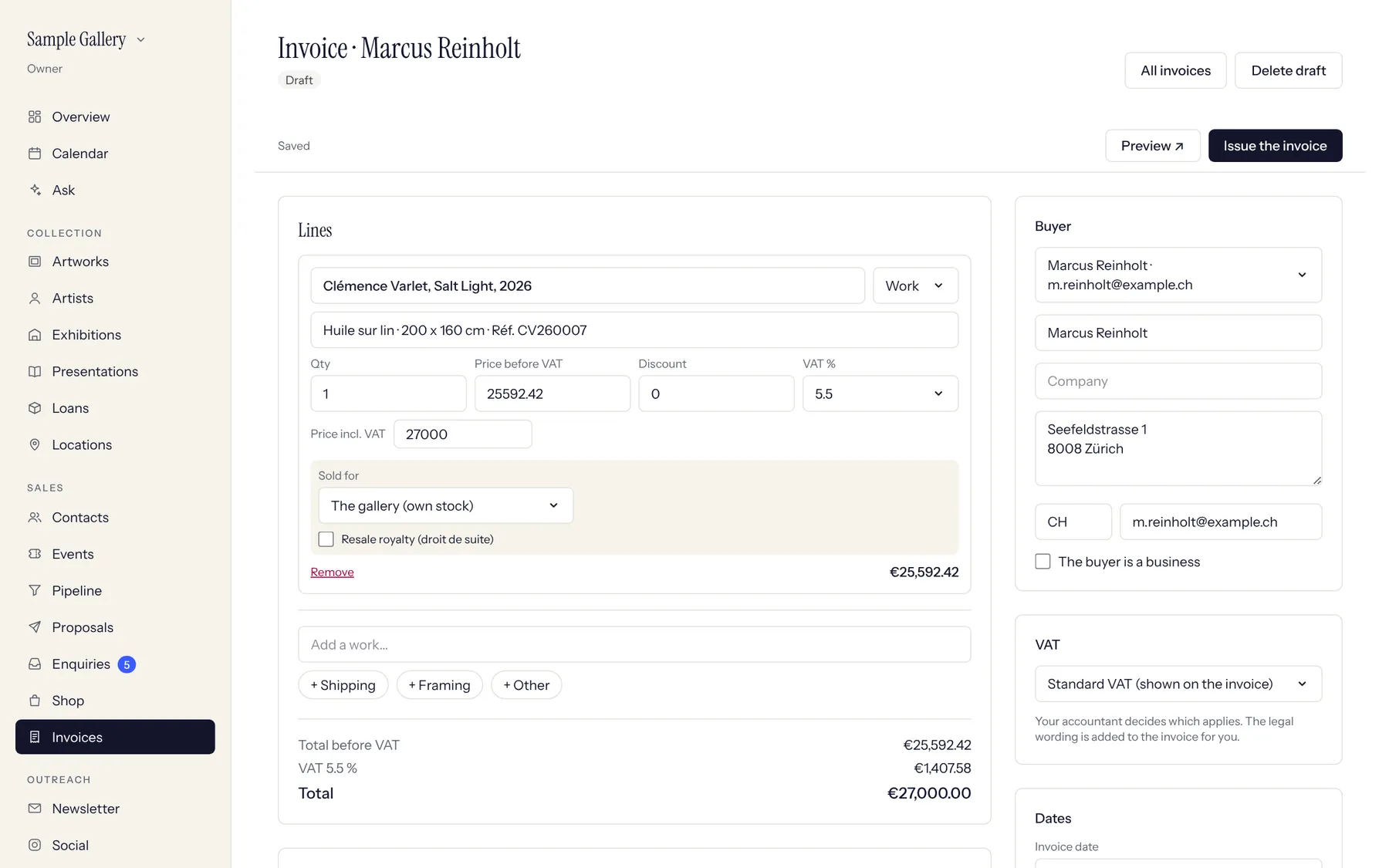
- 2
Choose the VAT scheme (standard, margin, export...). The legal wording is added for you. View the PDF to check it.
- 3
Issue gives the invoice its number, marks unique works as sold to the buyer and moves the offer to Invoiced. An issued invoice can't be edited: make a credit note to correct it.
See also
A question that isn't here? Write to us.