Getting started
Move from Curator Studio
Bring your inventory, collectors and sales history across in three files, without duplicates.
- 1
In Curator Studio, export three lists: the full artwork inventory (Artworks, Inventory, export to Excel), all contacts, and the transactions (invoices). Keep the files as they come; there is nothing to clean.
- 2
In Bowerbird House, open Import, then Curator Studio. Drop each file in its numbered box.
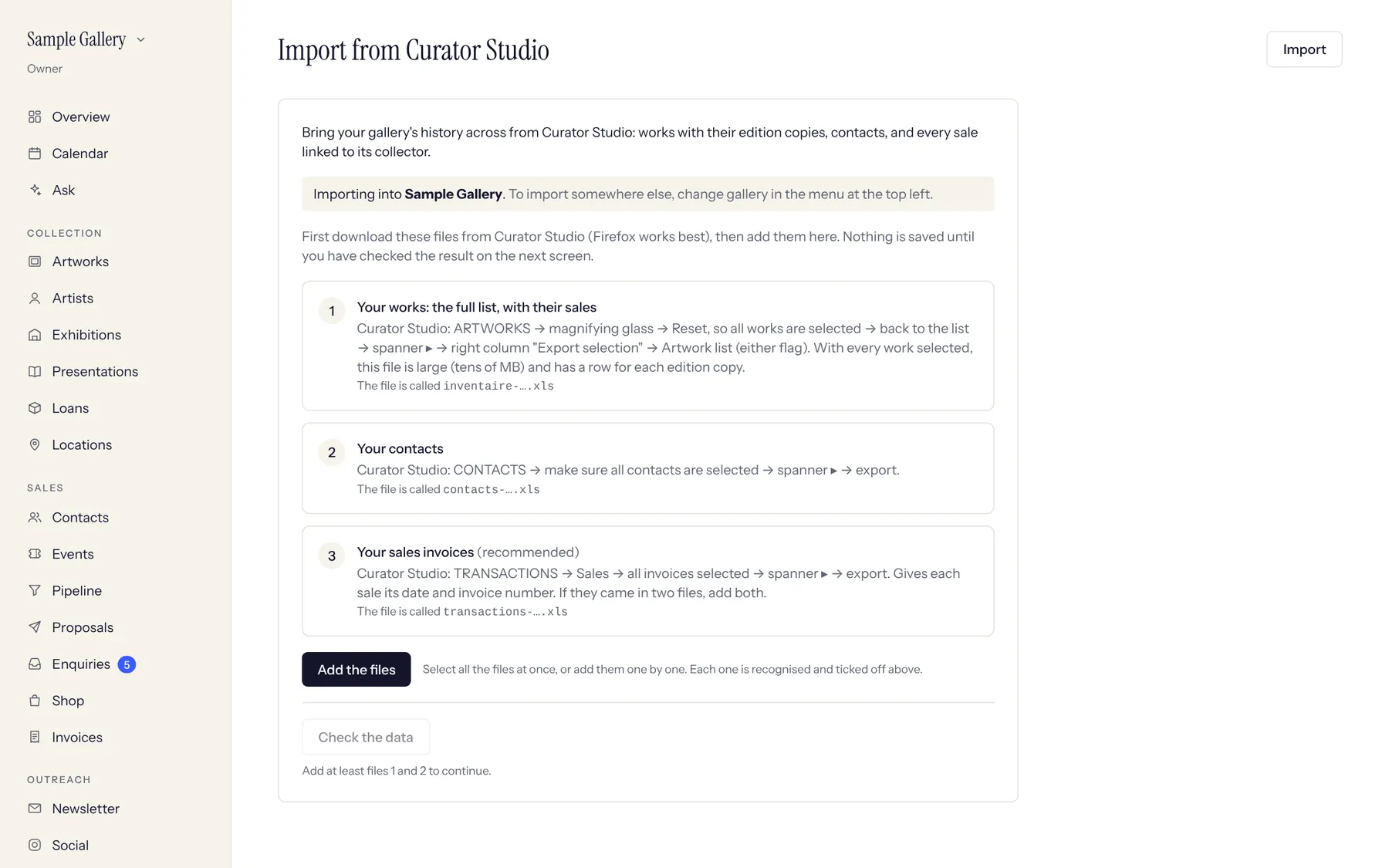
Three numbered boxes, one per file. A tick and a row count show each file was read. - 3
Check the review screen. It shows works already on your website (they are kept, not duplicated), buyers it couldn't match for sure (pick the right person), and invoices without a work. Then click Import and leave the page open until it says it has finished.
See also
A question that isn't here? Write to us.