Getting started
Invite your team
Give each person their own login and the right role. Never share one login.
- 1
Open Settings and scroll to Team. Type the person's email, choose their role and click Invite.
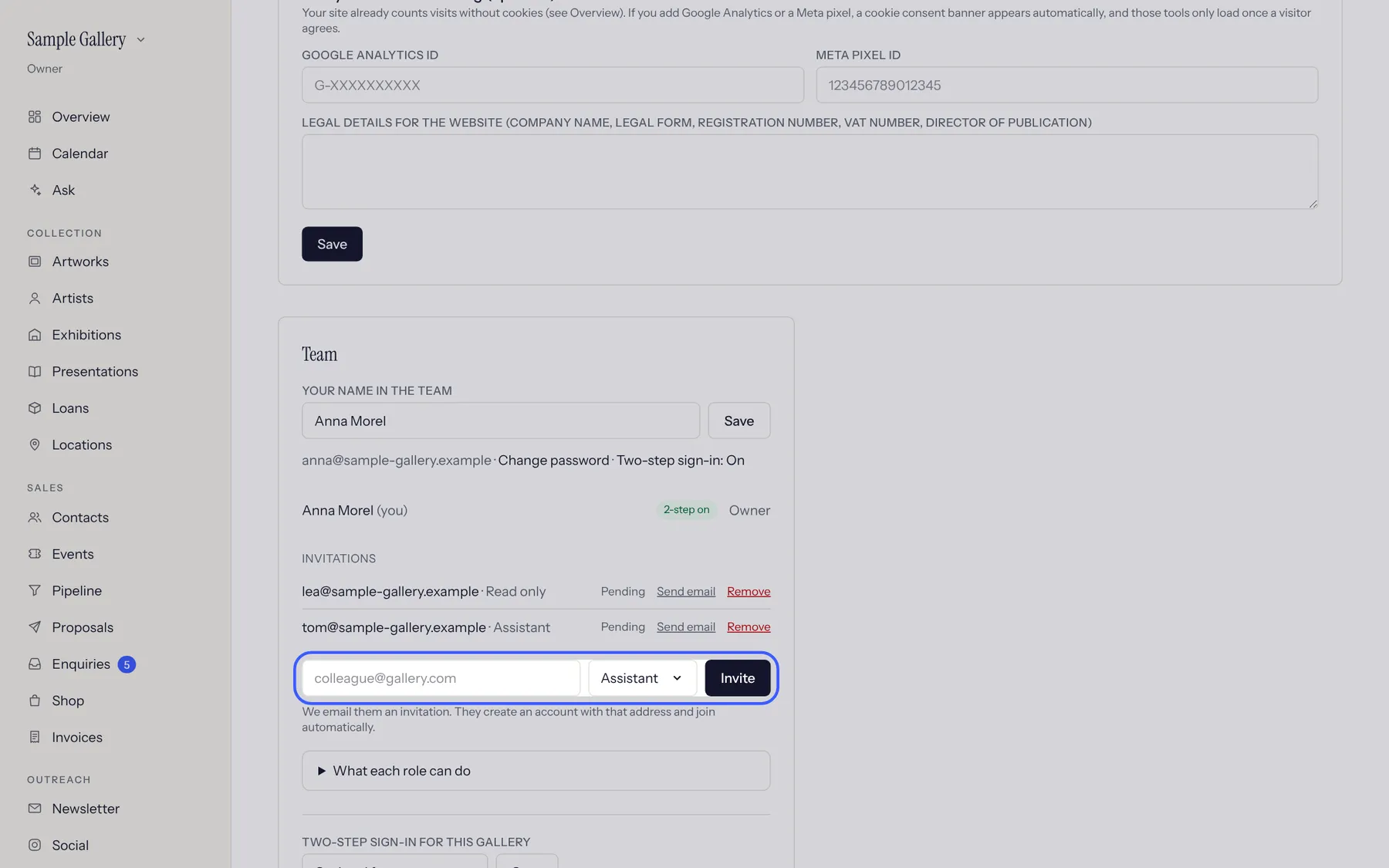
Settings, Team: one line per person, with their role. - 2
They create their account at bowerbirdhouse.com with exactly that email, and land straight in your gallery. If they had already signed up, they click "I've been invited, check again".
- 3
Roles: Director (everything, including the team and settings), Admin (all the daily work, sales and invoices), Assistant (everything except invoices), Intern (artworks only, never prices or collectors), Social media (the social planner) and Read only.
See also
A question that isn't here? Write to us.