Getting started
Add pictures from Curator Studio PDF lists
Curator Studio's "Artwork list" PDFs hold your pictures. Drop them in and each picture finds its work.
- 1
In Curator Studio, search the works of one artist, click Select (the green box shows how many), then Sélection en listes PDF, Artwork list. Under about 150 works per PDF works best: for a large artist, search one year at a time (type the year in the Date box).
- 2
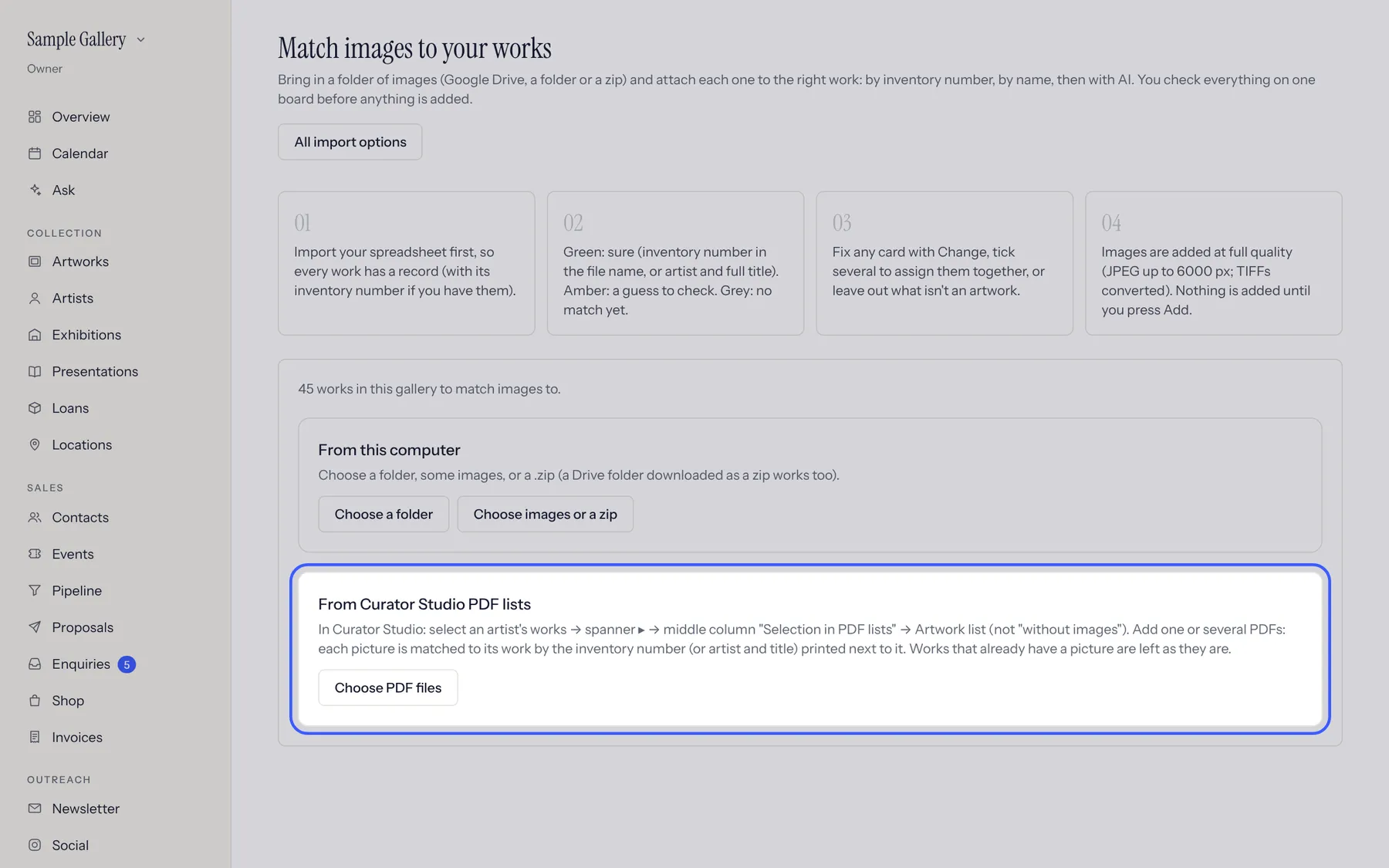
In Bowerbird House, open Import, then Images, and drop the PDFs in the "From Curator Studio PDF lists" box. You can drop several at once.
- 3
Each picture is matched by its inventory number (or artist and title). Works that already have pictures are skipped. Check the board and click Upload.
See also
A question that isn't here? Write to us.