Your website
Publish to your website
Works, artists and exhibitions appear on your site with one switch, in French and English.
- 1
On a work, an artist or an exhibition, turn on the Website switch. It appears on your site straight away; turn it off to hide it.
- 2
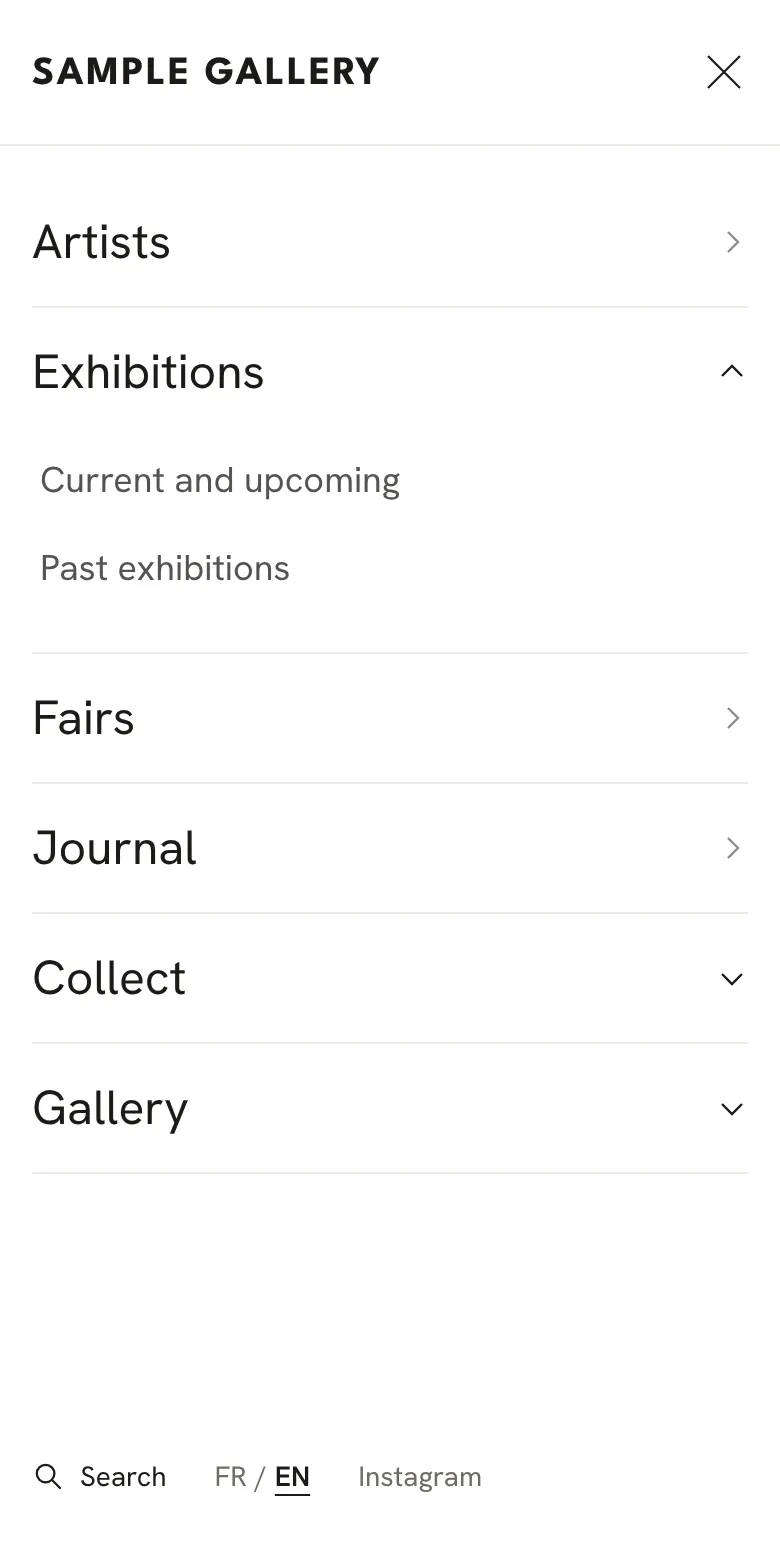
The menu builds itself from what you publish: Artists, Exhibitions, Fairs (once you have one), Journal and Collect (when you turn them on) and Gallery. On a computer, Exhibitions, Collect and Gallery open a small list when the mouse rests on them. On a phone, a thin two-line button opens the menu full screen, and sections with more inside open with a tap.
- 3
Choose the look in Website design and what the homepage shows in Website homepage (see the two articles below).
- 4
Connect your own domain in Settings, Website address. Visitors' enquiries arrive in Enquiries.
See also
Design your website
Pick a starting look, then adjust typography, colours, header, the top of the homepage and the Artists page, with a live preview.
Choose what's on your homepage
The featured exhibition, the sliders for Opening soon and the Journal, and which sections show, in what order.
The Journal, your website's blog
News, conversations and a closer look at a work, in French and English. Shown on your site only if you want it.
A question that isn't here? Write to us.