Your website
Choose what's on your homepage
The featured exhibition, the sliders for Opening soon and the Journal, and which sections show, in what order.
- 1
New: you can now build the homepage section by section in Website, Pages and sections, with rows of 1 to 4 pictures that link to your artists and exhibitions (see Build your homepage and pages). Once a homepage made there is published, the settings below no longer apply.
- 2
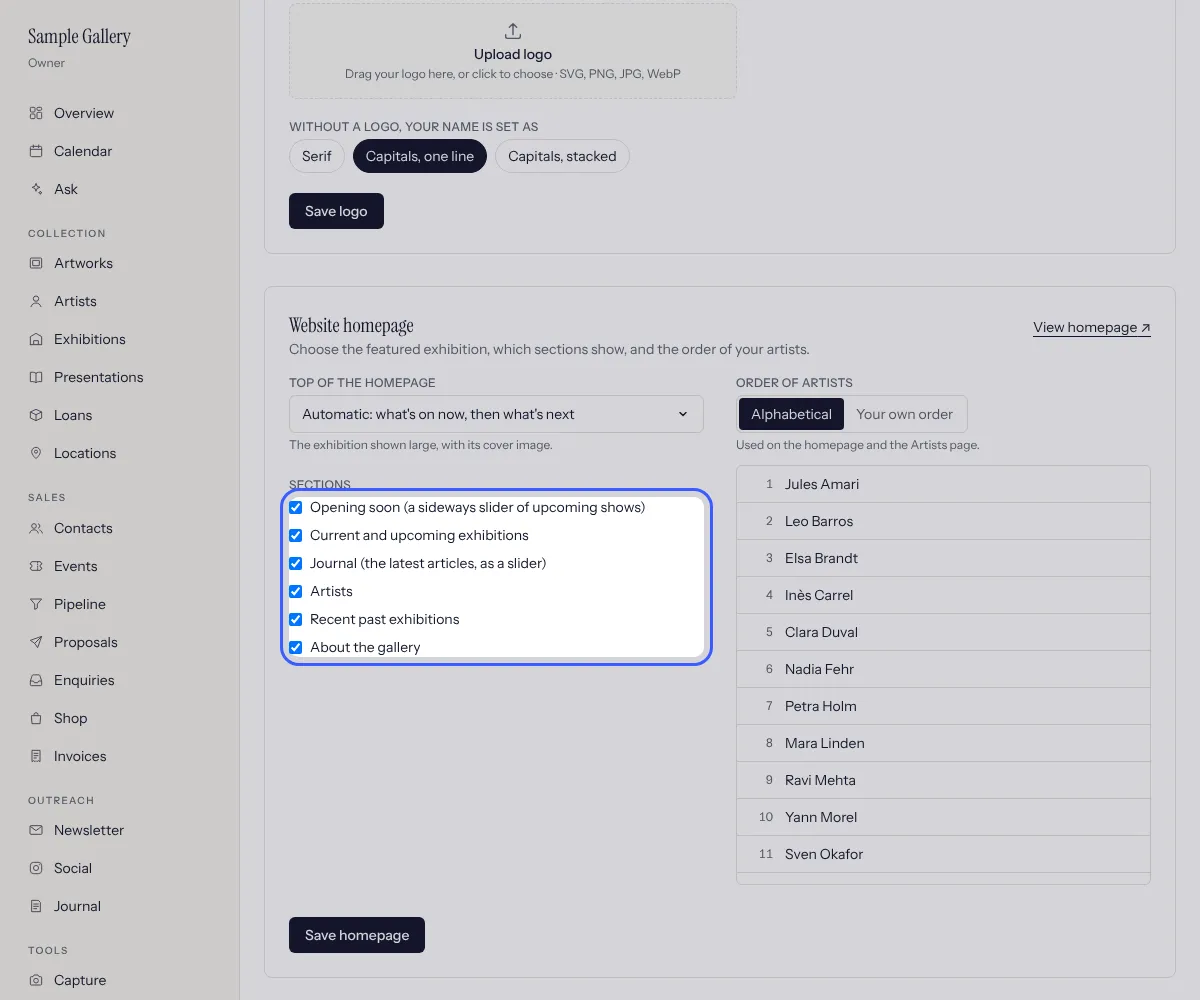
Settings, Website homepage. Top of the homepage: Automatic (what's on now in the gallery, then what's next), one exhibition of your choice, or Nothing to start straight with the sections.
- 3
Tick the sections to show. They always appear in this order: Opening soon, Current and upcoming exhibitions, Journal, Artists, Recent past exhibitions, About the gallery. Press Save homepage.
- 4
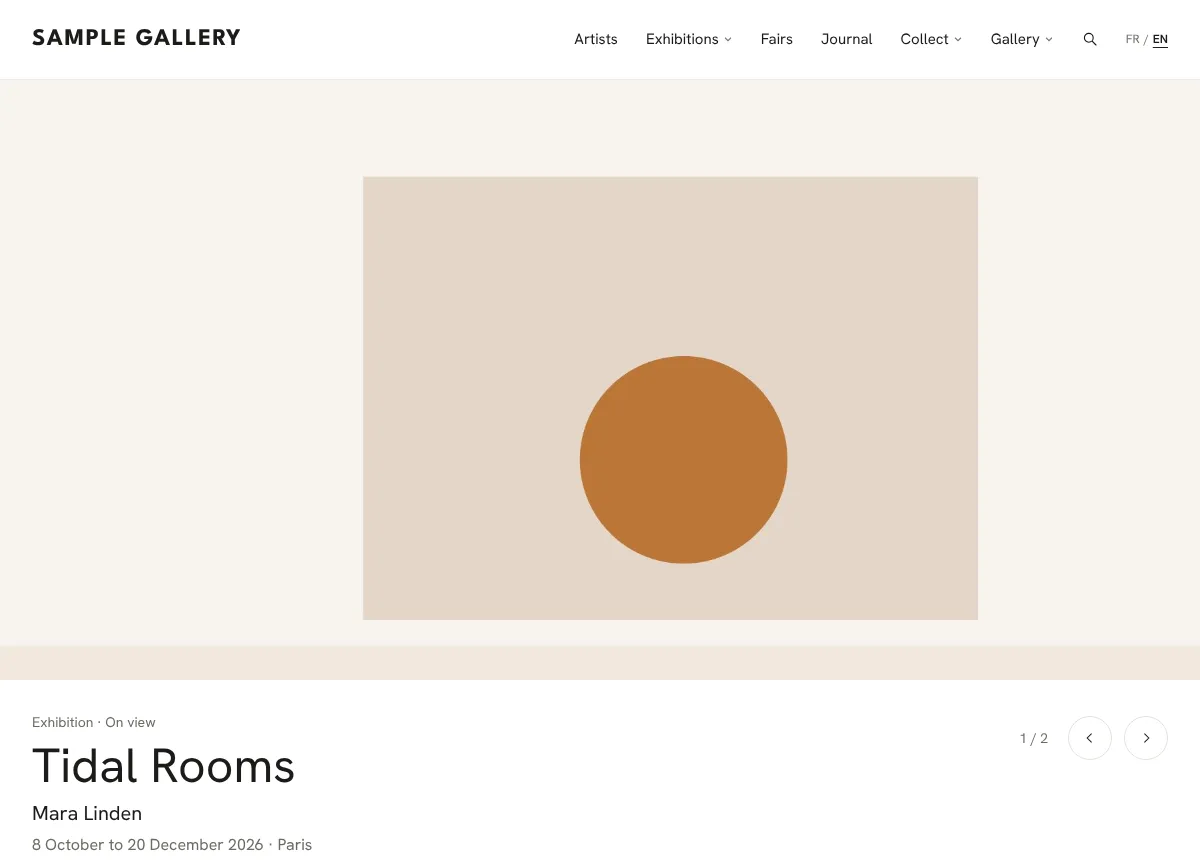
With the Slider design, the featured exhibition comes first, followed by the other shows on now. Each slide shows the label, title, artist, dates and place, then Learn more. It moves on every 7 seconds, stops while the mouse is over it, and swipes on phones. Clicking the picture opens the exhibition.
- 5
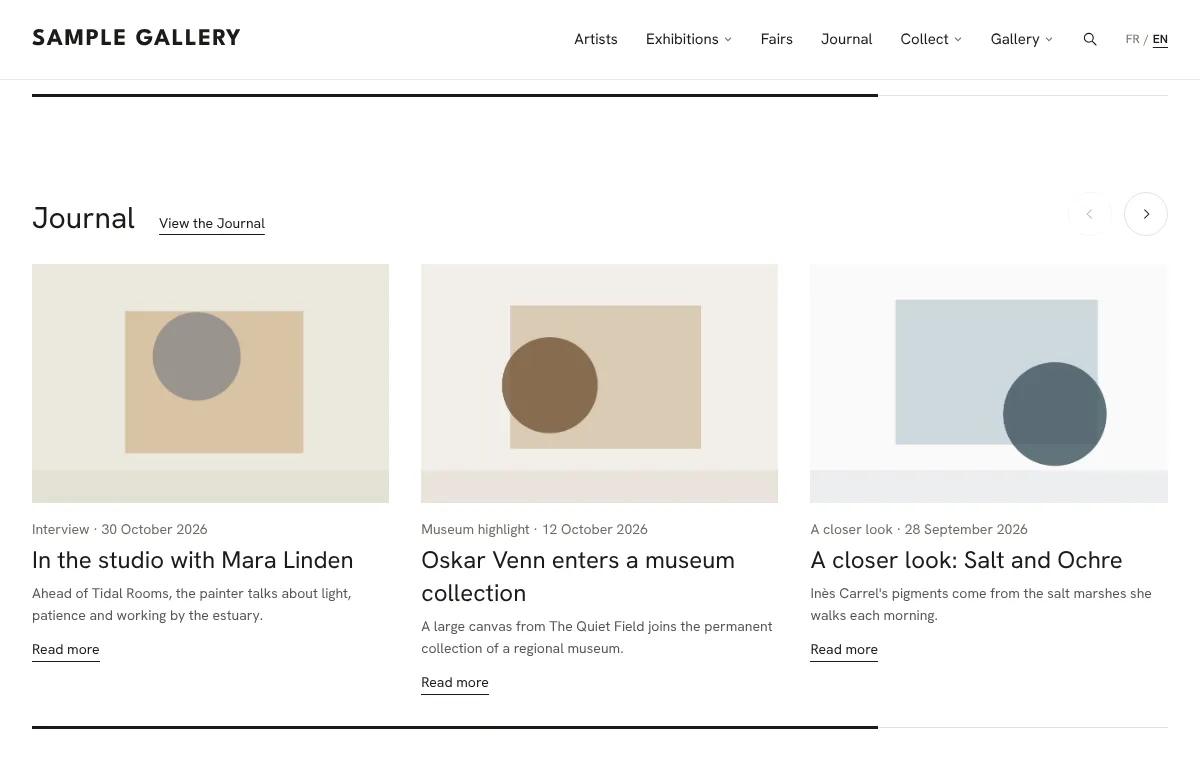
Opening soon is a row of your upcoming exhibitions with landscape pictures, arrows and a progress bar. Add an opening date to an exhibition and its card says "Opening" with the date. The Journal row works the same way with your latest articles.
- 6
Order of artists: Alphabetical, or Your own order (drag the names). It applies to the homepage and the Artists page.
See also
Design your website
Pick a starting look, then adjust typography, colours, header, the top of the homepage and the Artists page, with a live preview.
The Journal, your website's blog
News, conversations and a closer look at a work, in French and English. Shown on your site only if you want it.
Exhibitions, fairs and private views
Build the selection once, then print the price list, share a private view and plan the opening.
A question that isn't here? Write to us.